
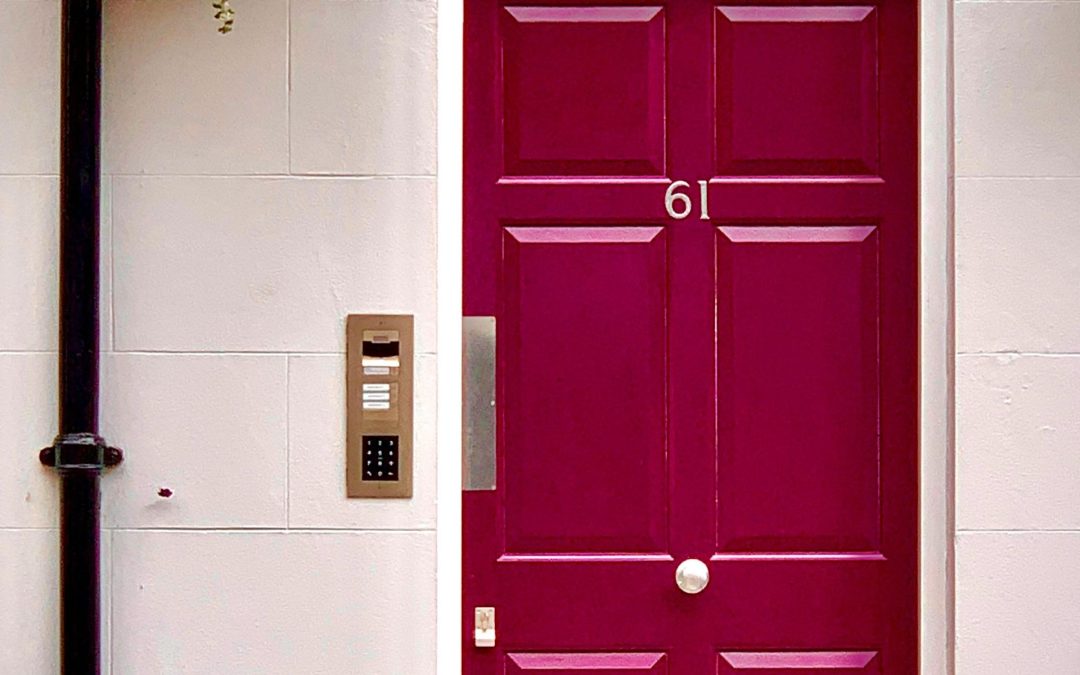
Digital locks are increasingly expected on new homes, but they are also a frequent source of installation issues. From misaligned hardware to last-minute changes driven by client preferences, locks can quickly complicate what should be a straightforward front door install.
This article looks at how builders can coordinate digital locks with front doors to avoid rework, delays and post-handover problems. It builds on the sequencing principles in front door installation sequencing that avoids rework and focuses specifically on locks as a coordination risk.
Why locks cause so many site issues
Digital locks often arrive late in the process or change after framing and door orders are locked in. Common problems include
- Lock bodies that clash with door structure
- Incorrect backsets or clearances
- Wiring or battery access not considered early
- Hardware installed before final door alignment
When locks are treated as an afterthought, builders are left managing avoidable compromises.
Early decisions reduce late problems
The most reliable way to avoid lock issues is to confirm lock intent early
- Decide whether a digital lock will be used before ordering the door
- Confirm compatibility between the lock and door system
- Allow for correct handle heights and clearances
A multi-function entry door simplifies this because
- The door leaf is designed to accept locking hardware cleanly
- There is no secondary screen lock to coordinate
- Clients interact with one locking system rather than two
This aligns with the broader coordination mindset outlined in reducing front door defects through better coordination.
Installation sequencing for locks
Locks should be installed after
- The door is hung and aligned
- Thresholds are complete
- Major dusty trades are finished
Installing locks too early increases the risk of misalignment and damage. Builders who treat locks as a final-stage component tend to see fewer issues at handover.
Managing client-driven lock changes
Clients often request lock upgrades late in the build. Builders can protect themselves by
- Specifying acceptable lock types early
- Documenting what changes are possible without rework
- Explaining how late changes affect cost and timing
When the door and lock are treated as one coordinated system, these conversations are easier and clearer.
Locks as a usability issue
Poorly coordinated locks create user frustration
- Doors that feel stiff or awkward
- Confusing locking behaviour
- Increased wear from forcing or misuse
The usability impact is discussed further in front doors clients actually enjoy using every day. From a builder’s point of view, good usability is a form of defect prevention.